THE DGOBUY PRODUCT DIRECTORY
DgoBuy Spreadsheet
Browse selected shoes, clothing, bags and more. Compare listing details, product photos, available QC references and estimated item prices before opening a current listing.
An independent product directory, not DgoBuy’s official order service. Browse categories here; search opens the full product catalog in a new tab.
Categories
Featured picks.
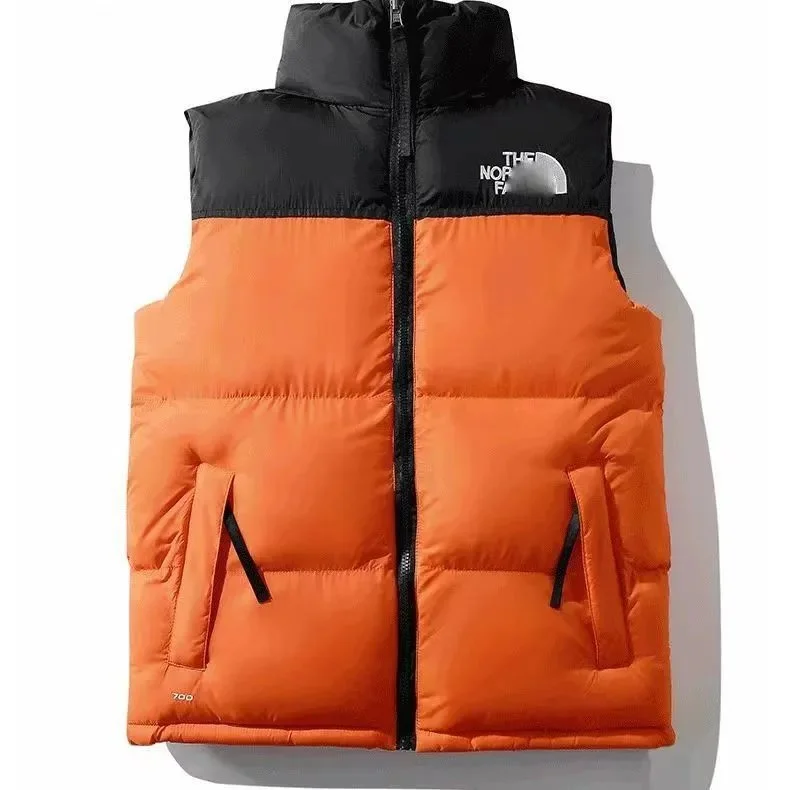
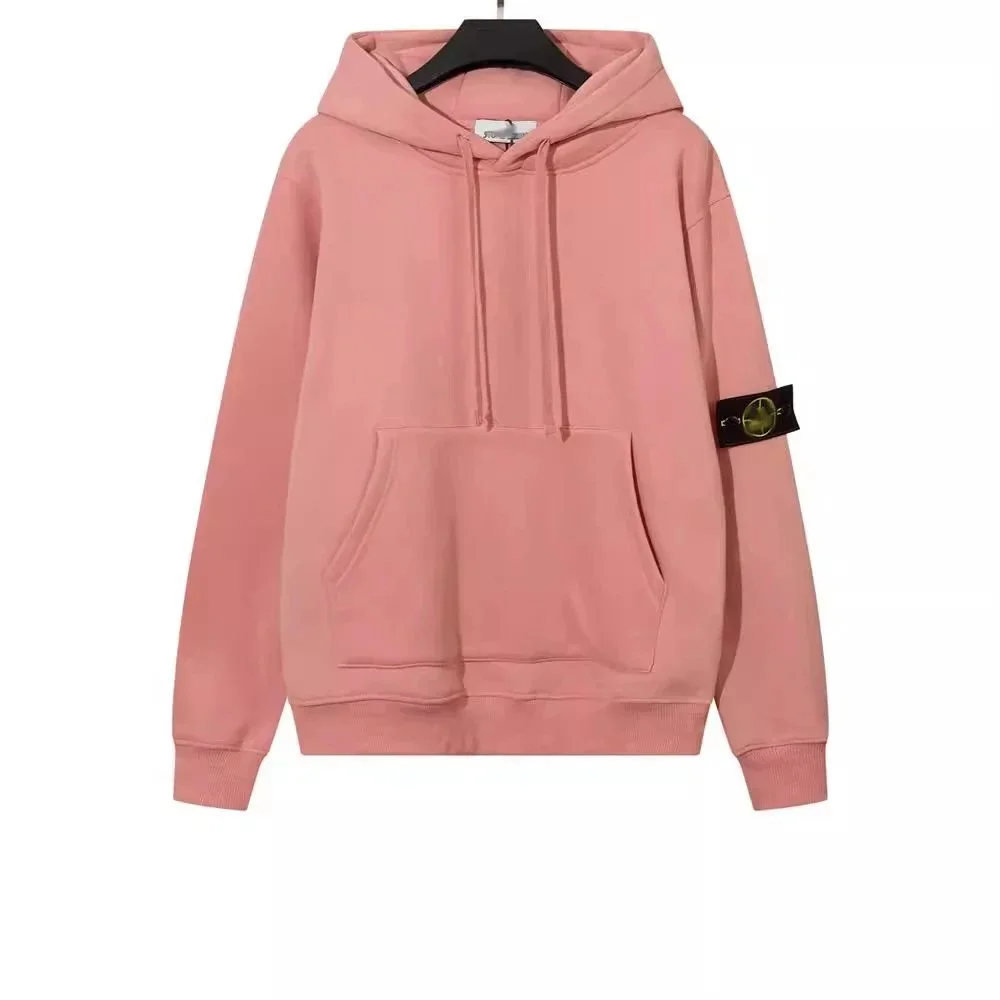
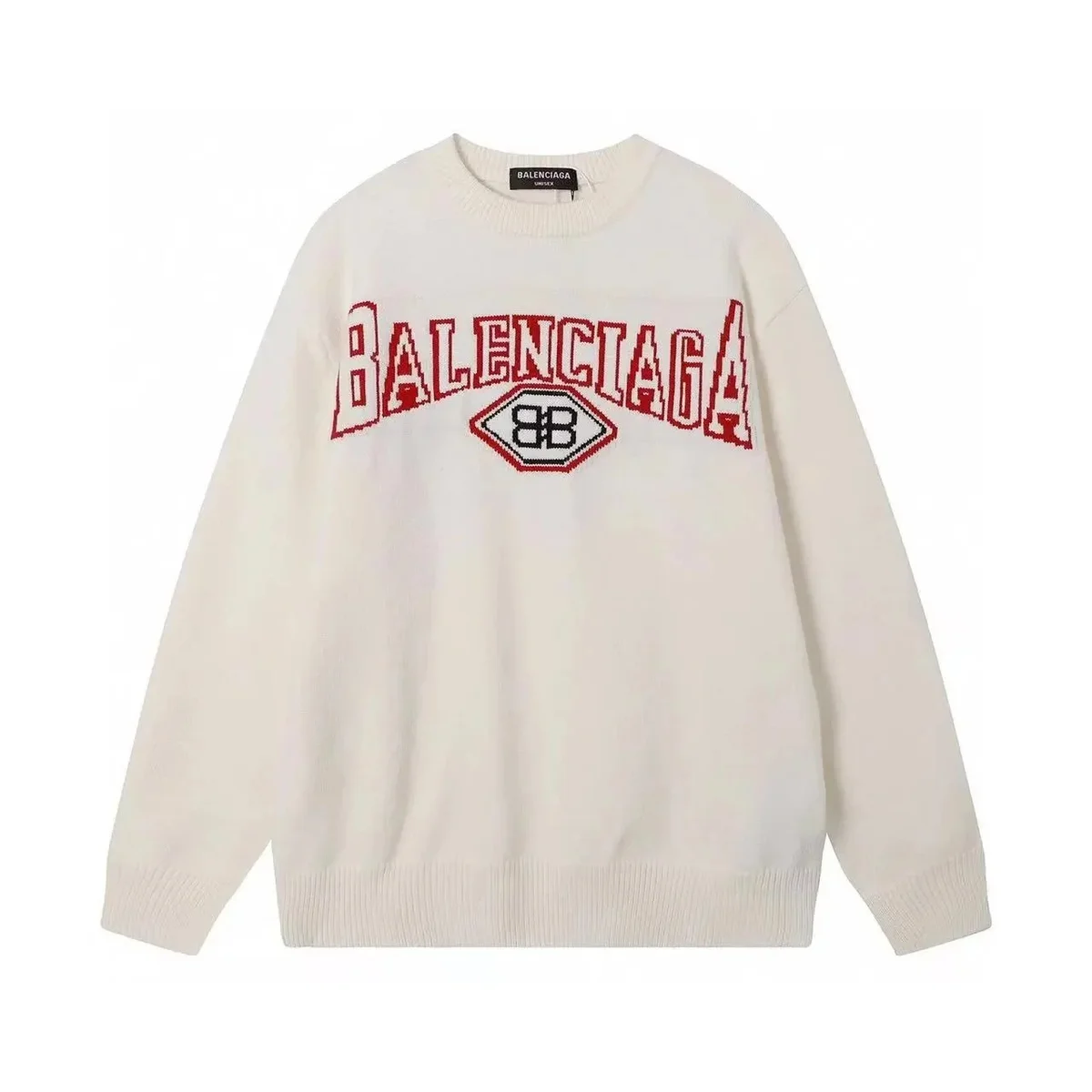
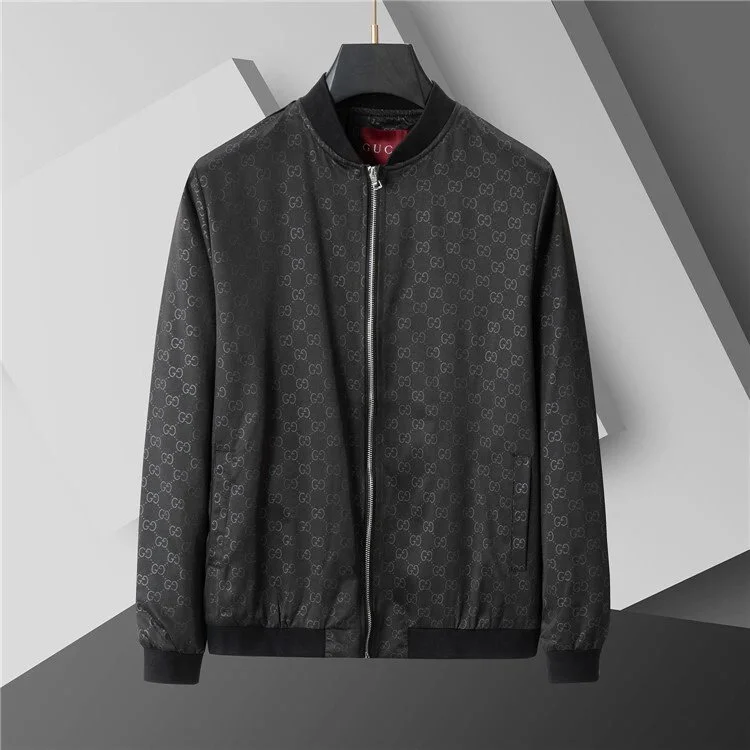
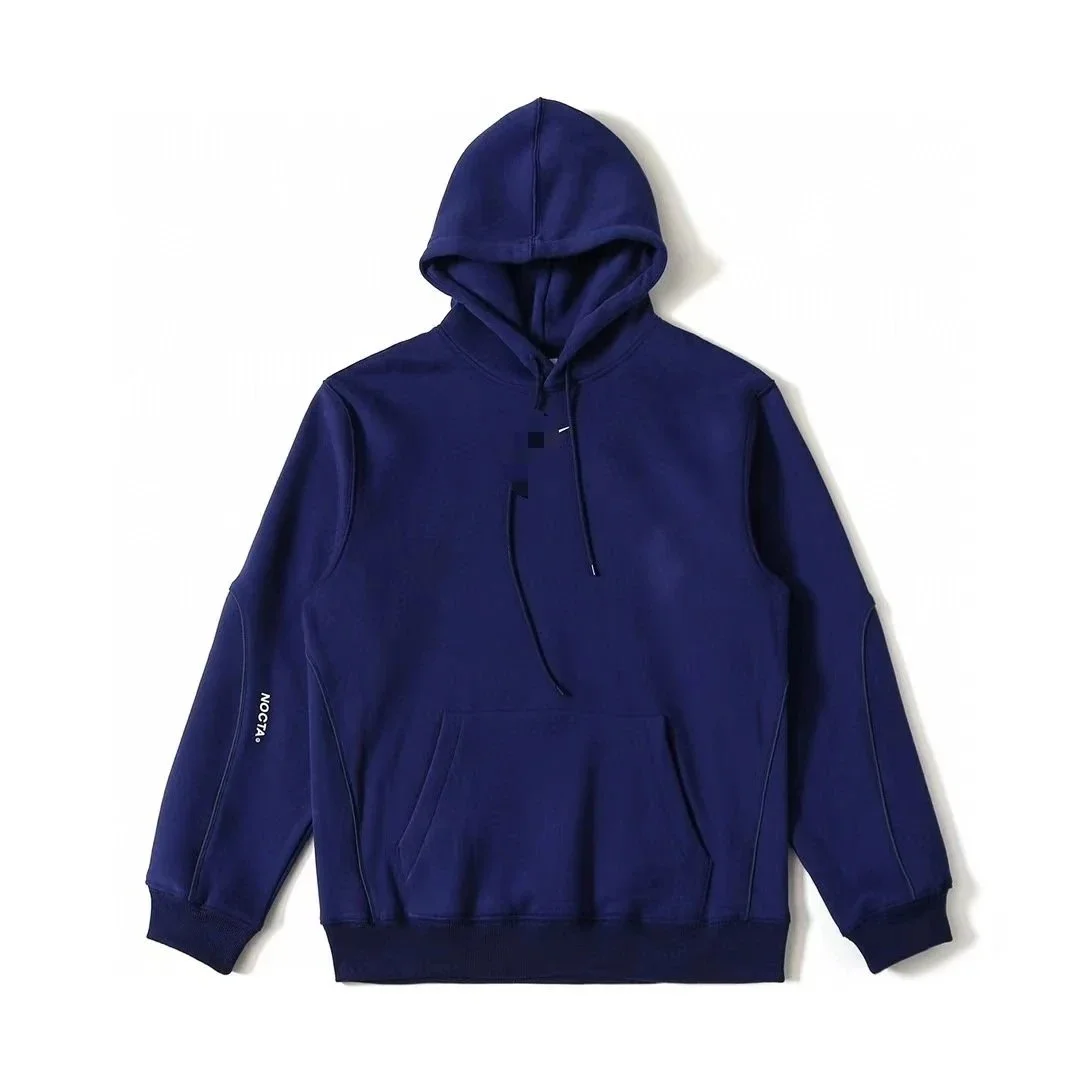
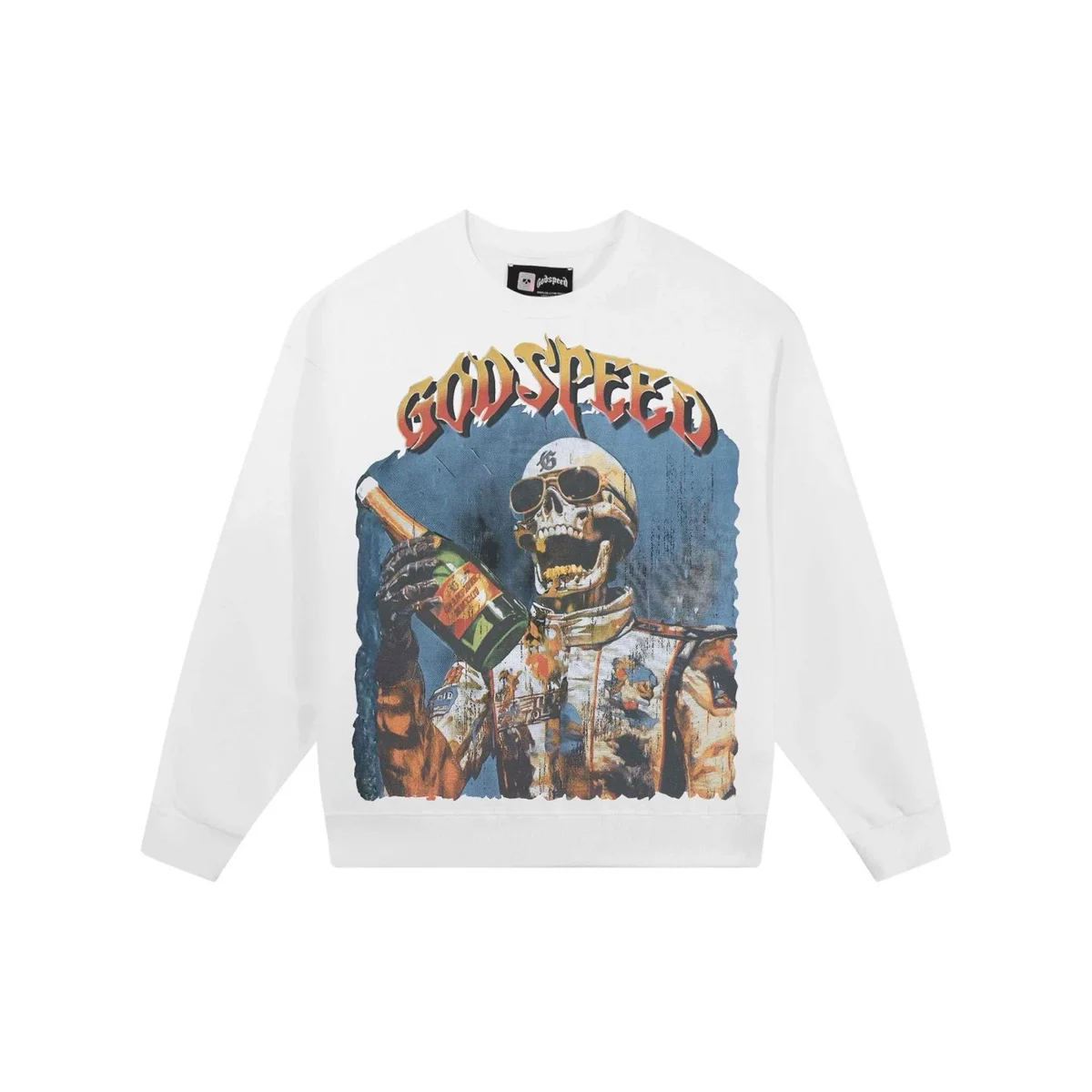
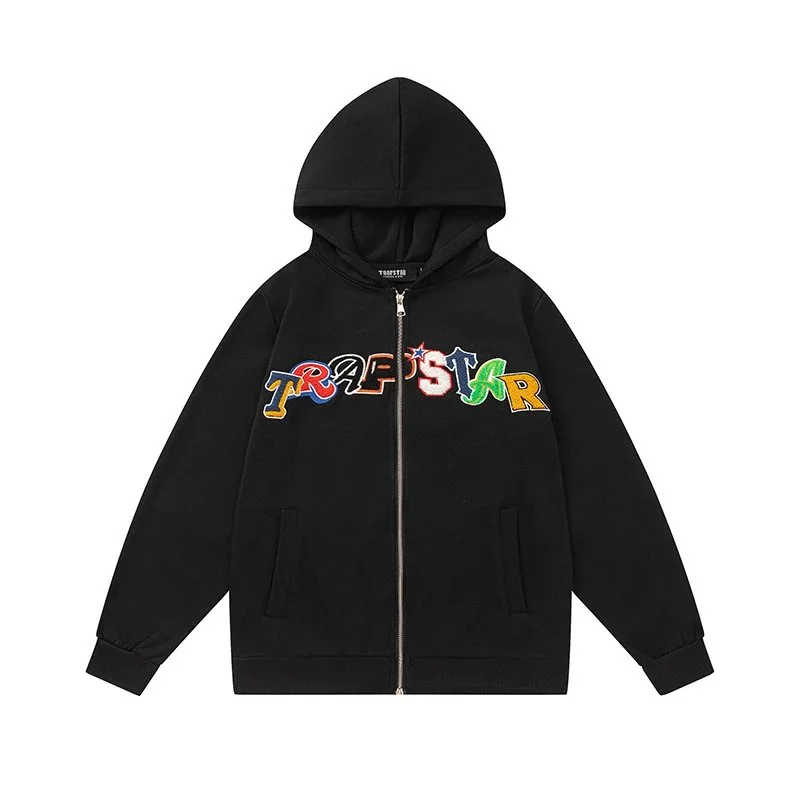
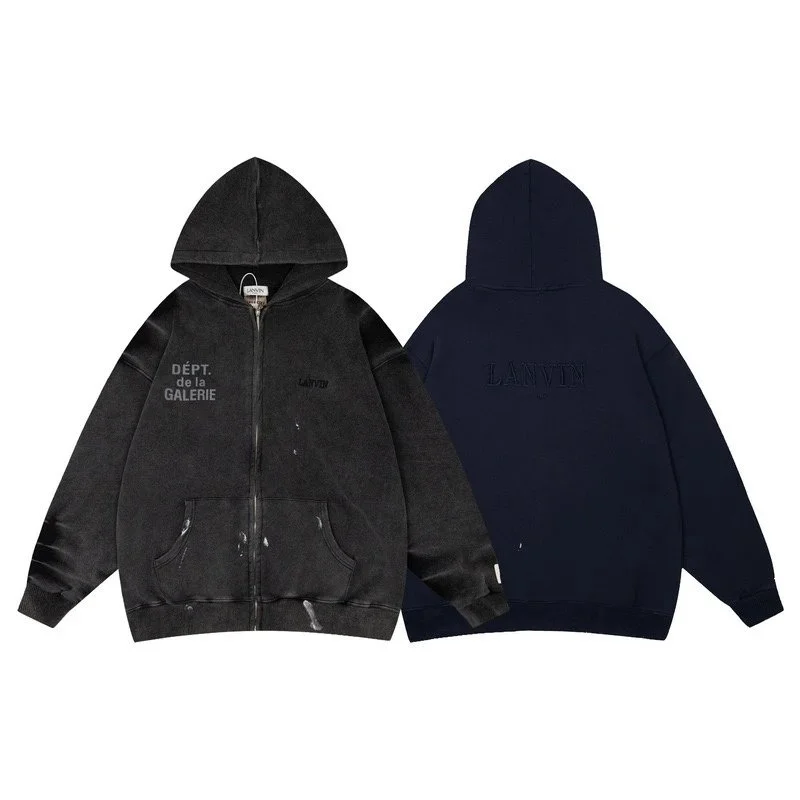
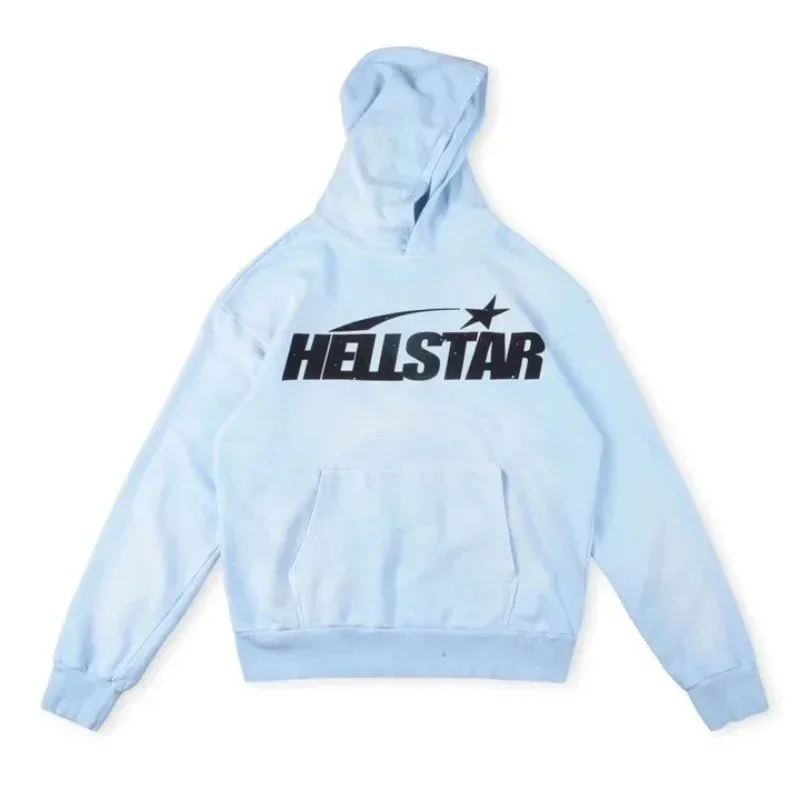
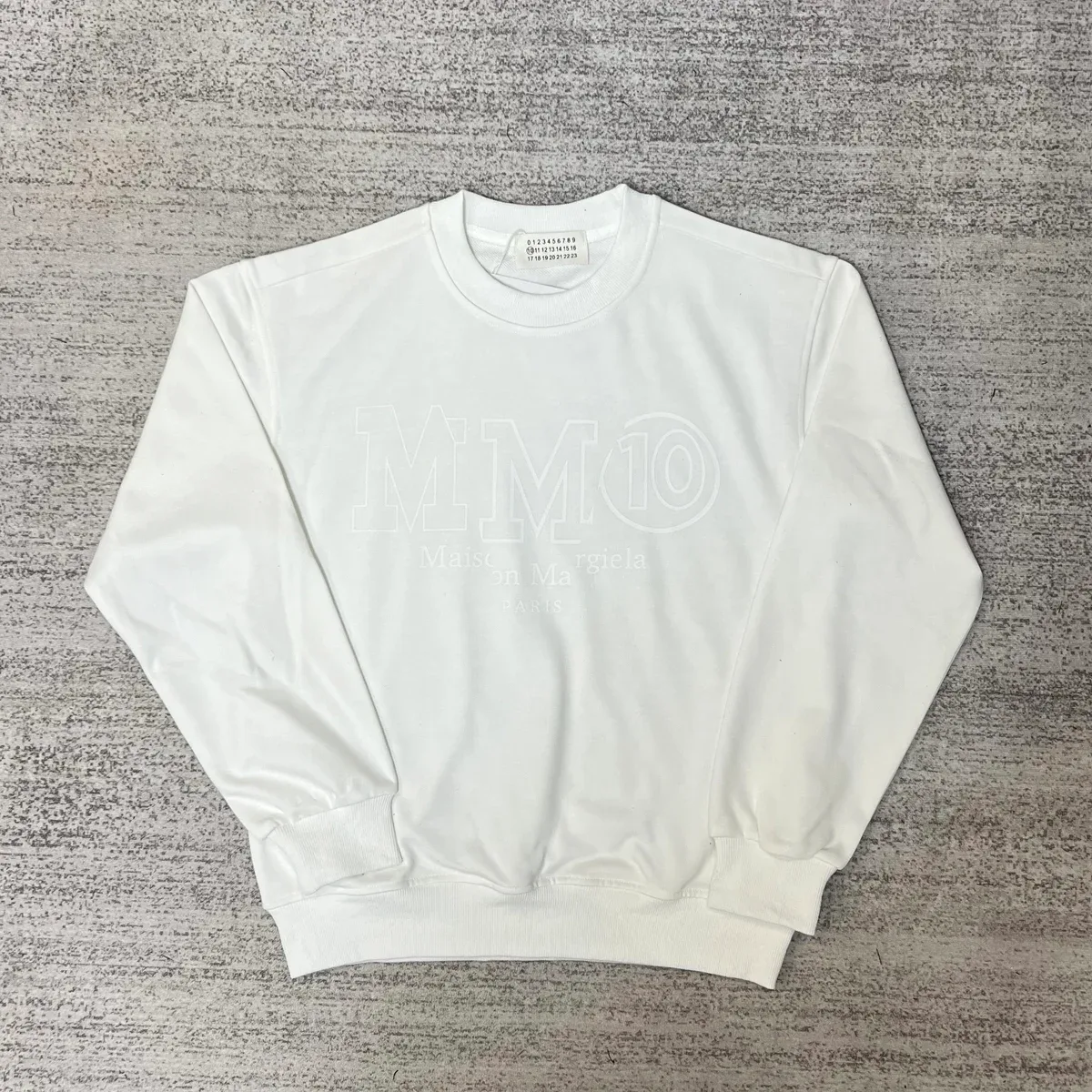
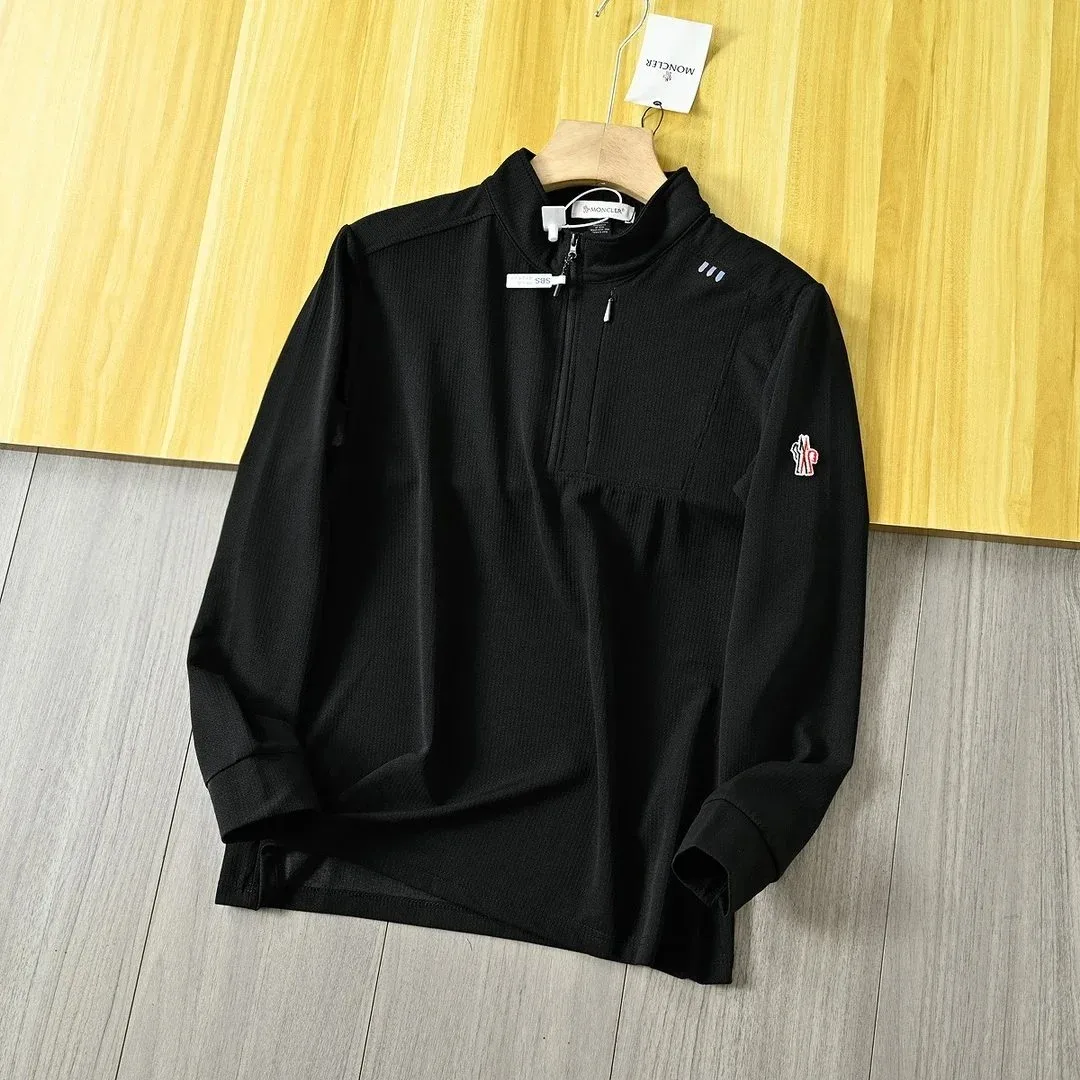
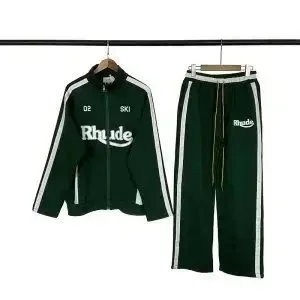
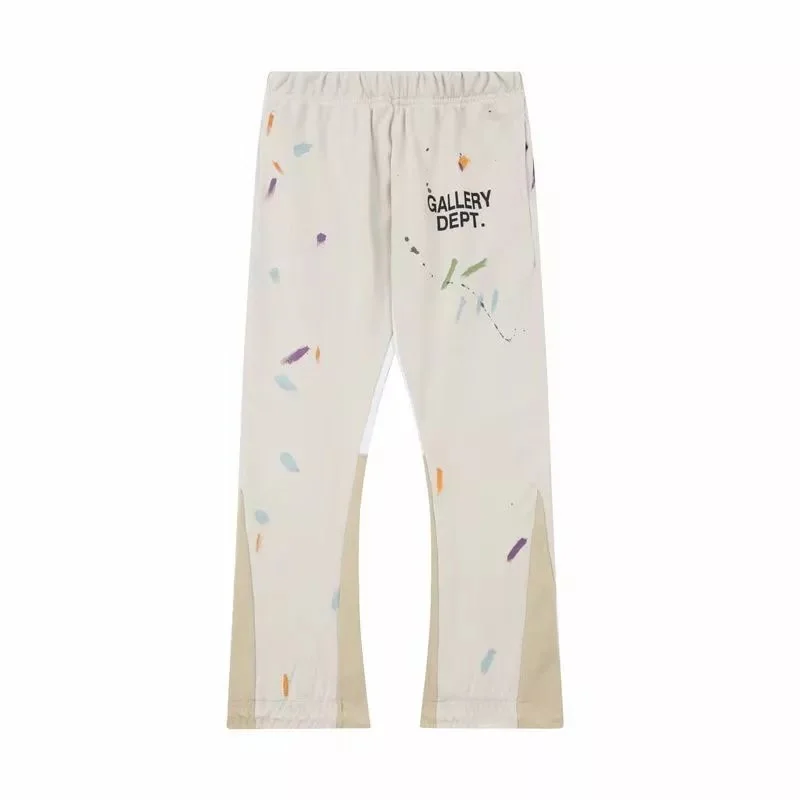

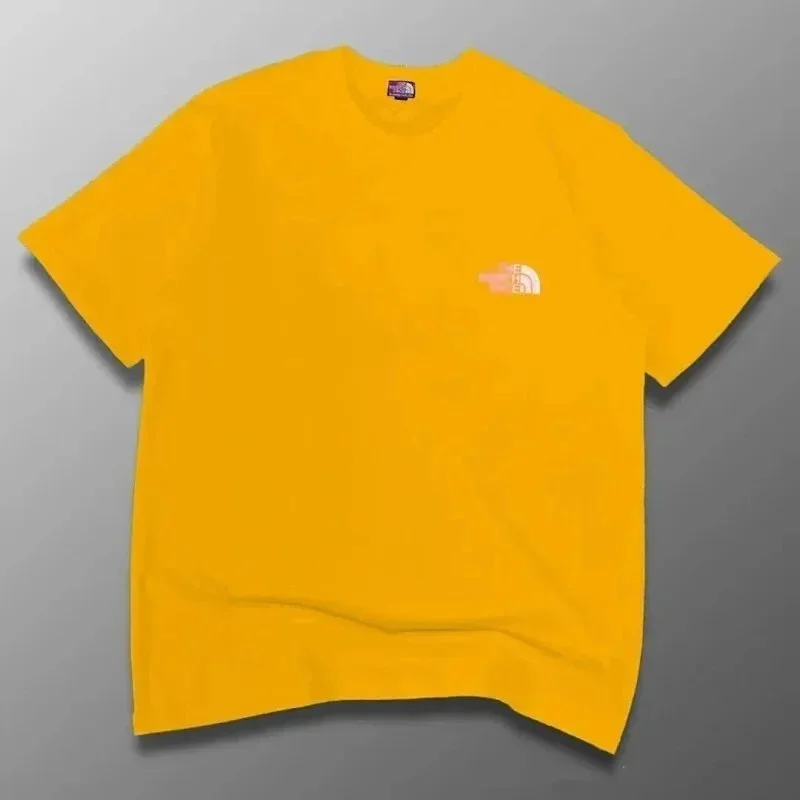
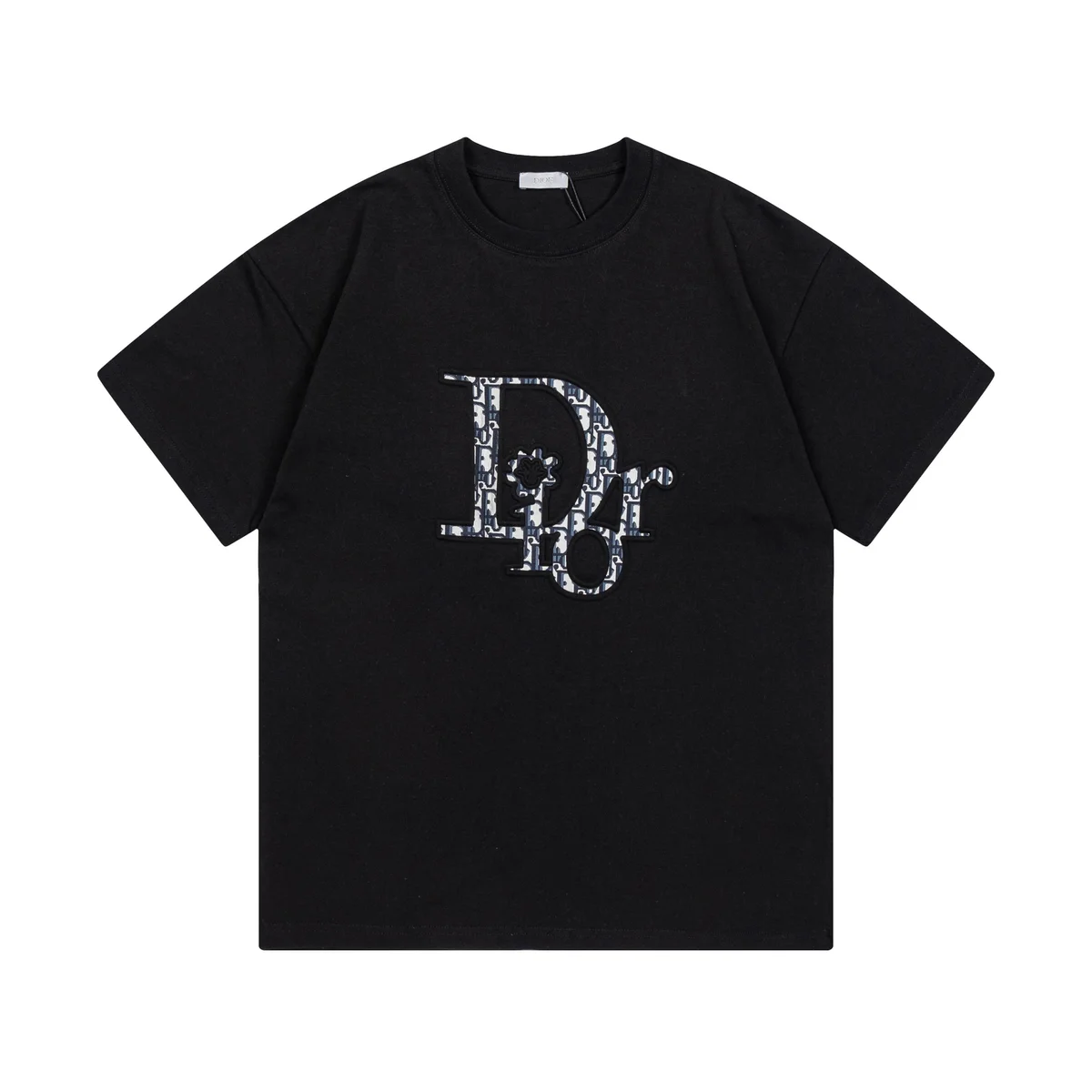
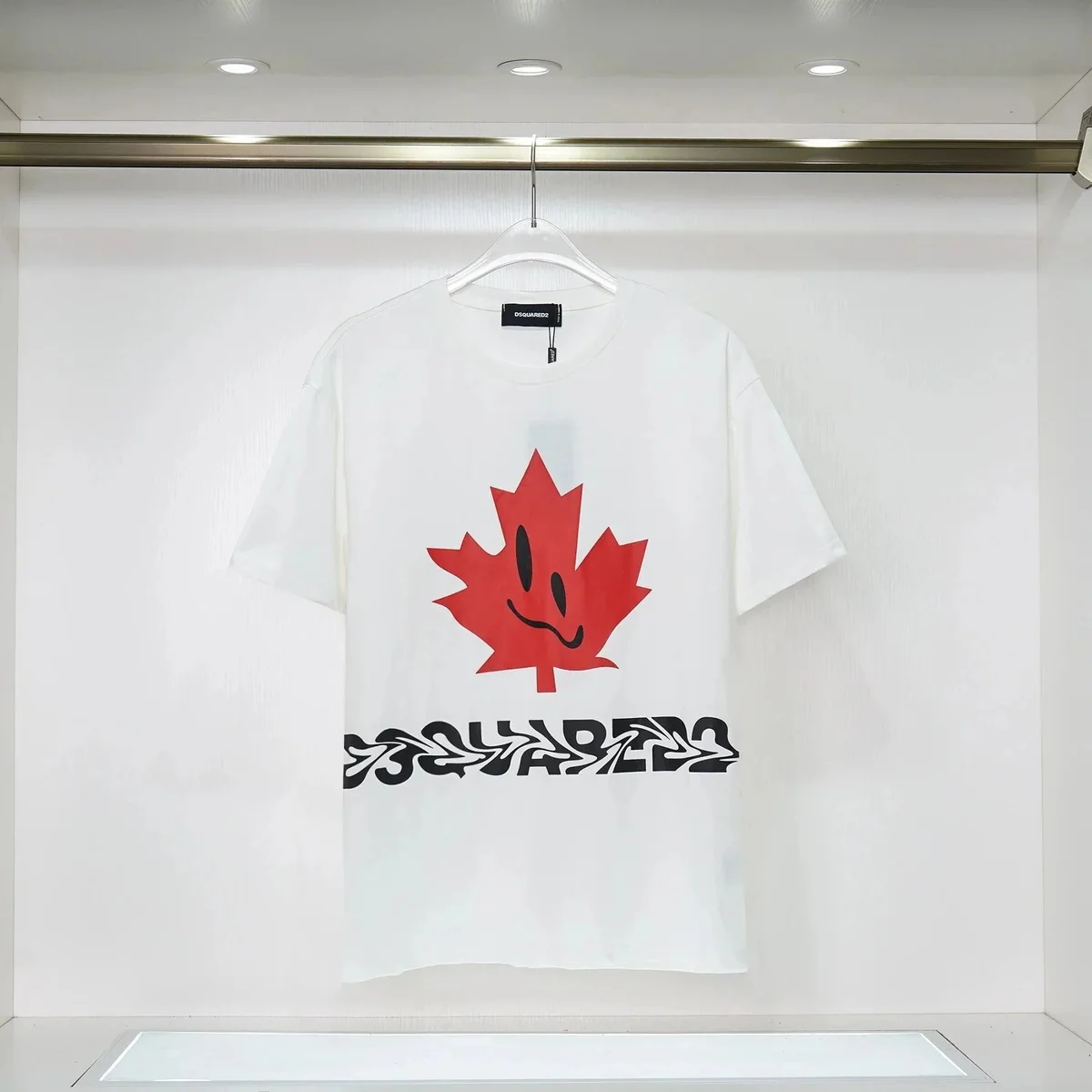
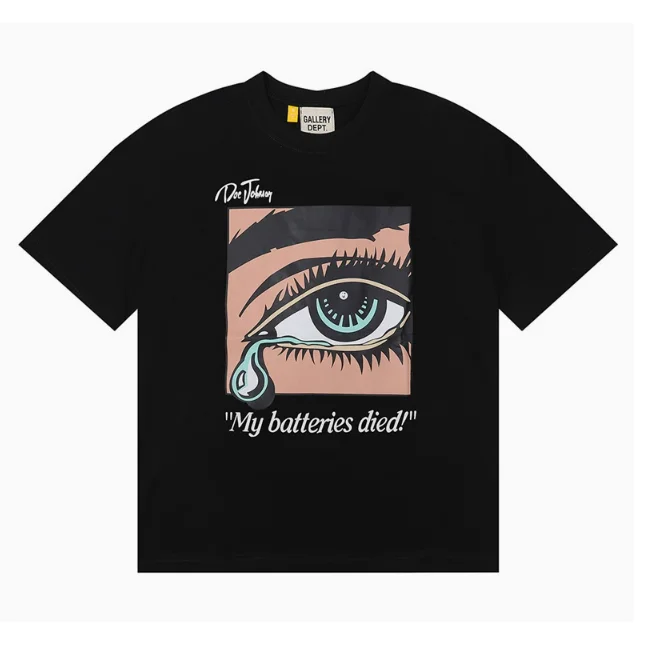
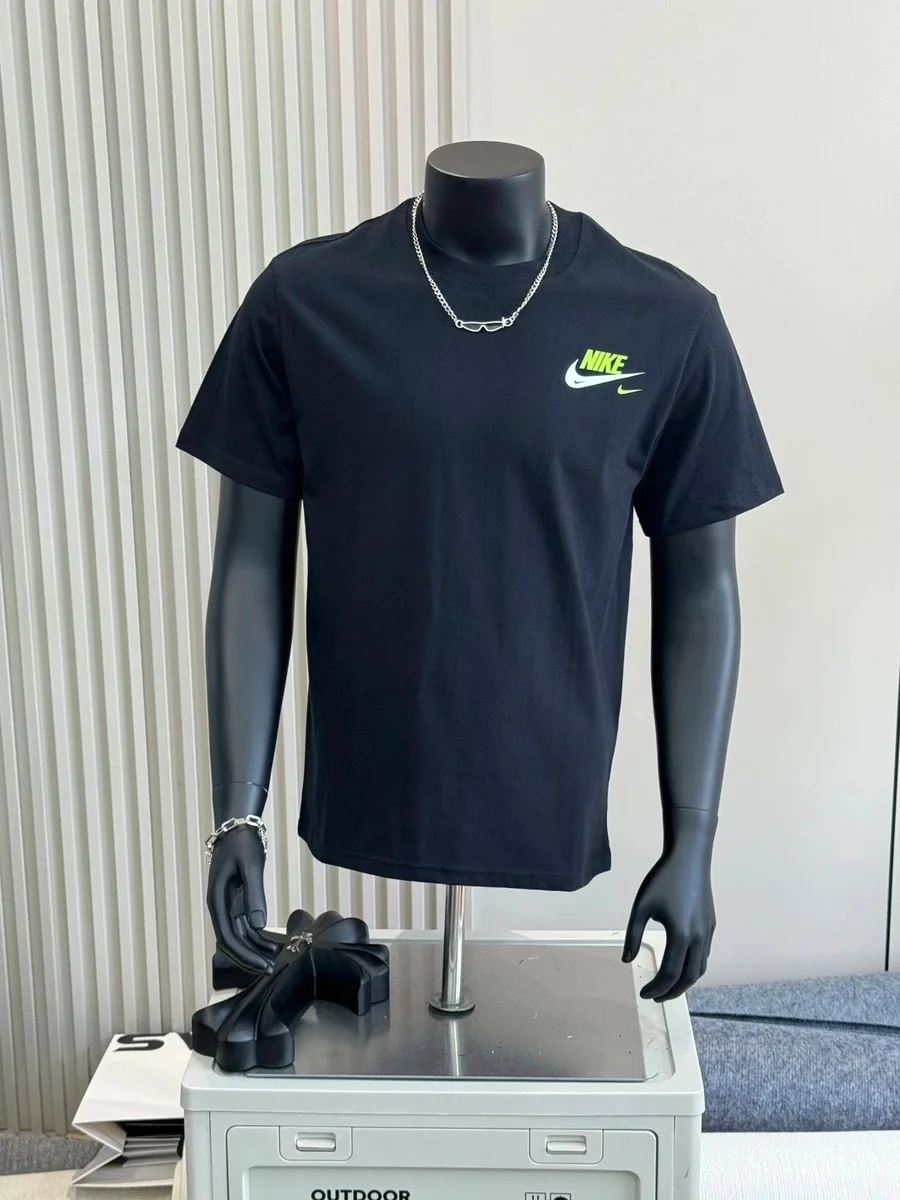
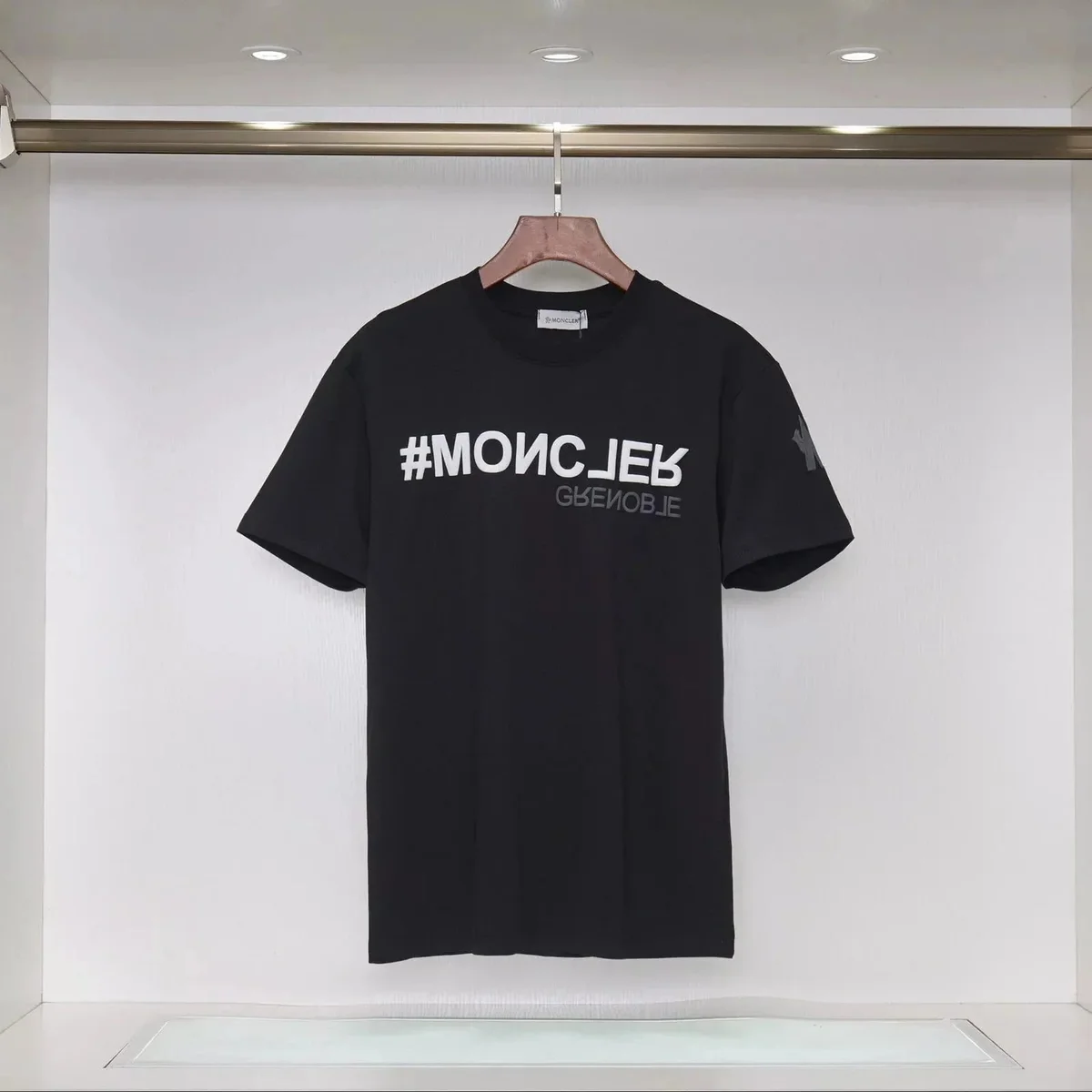
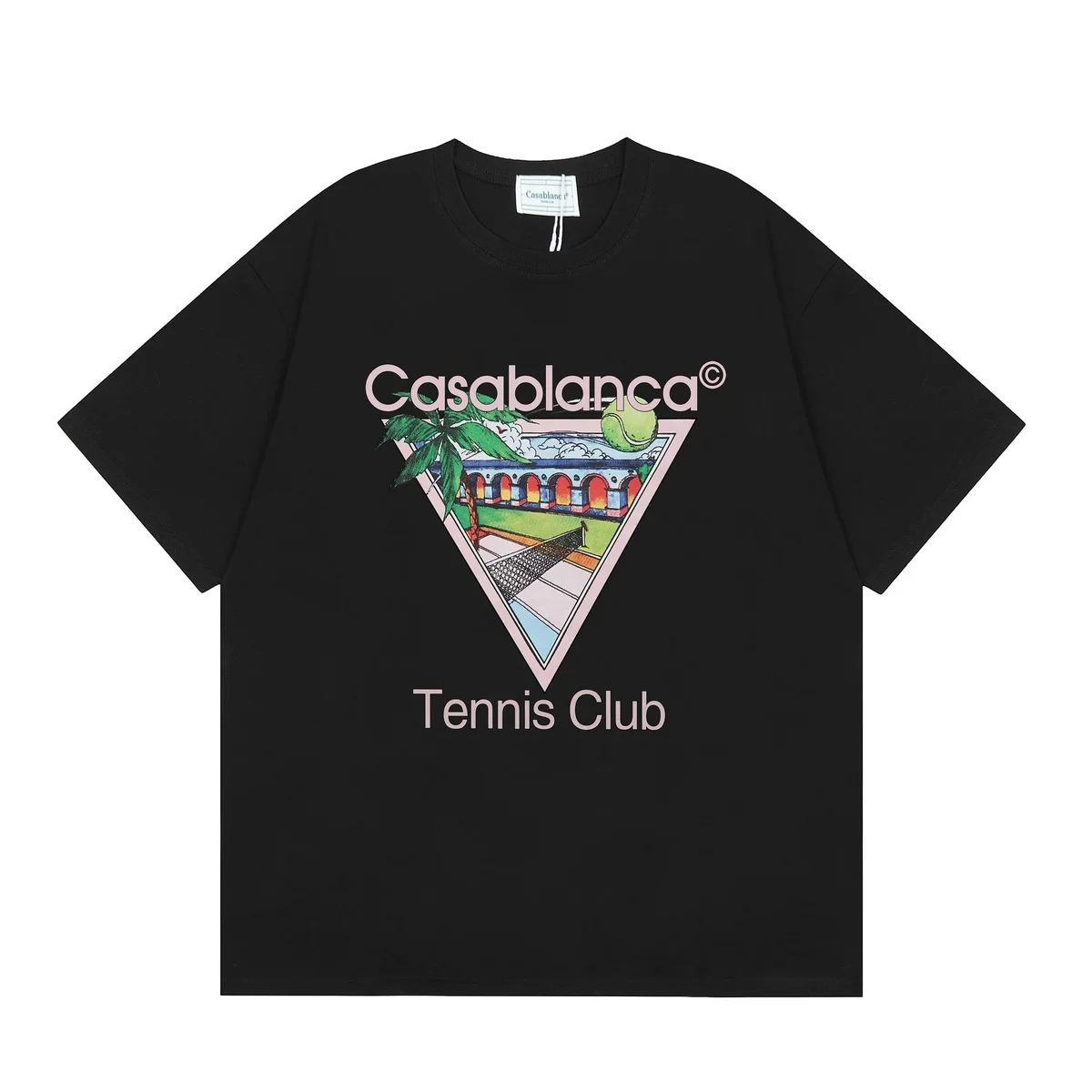
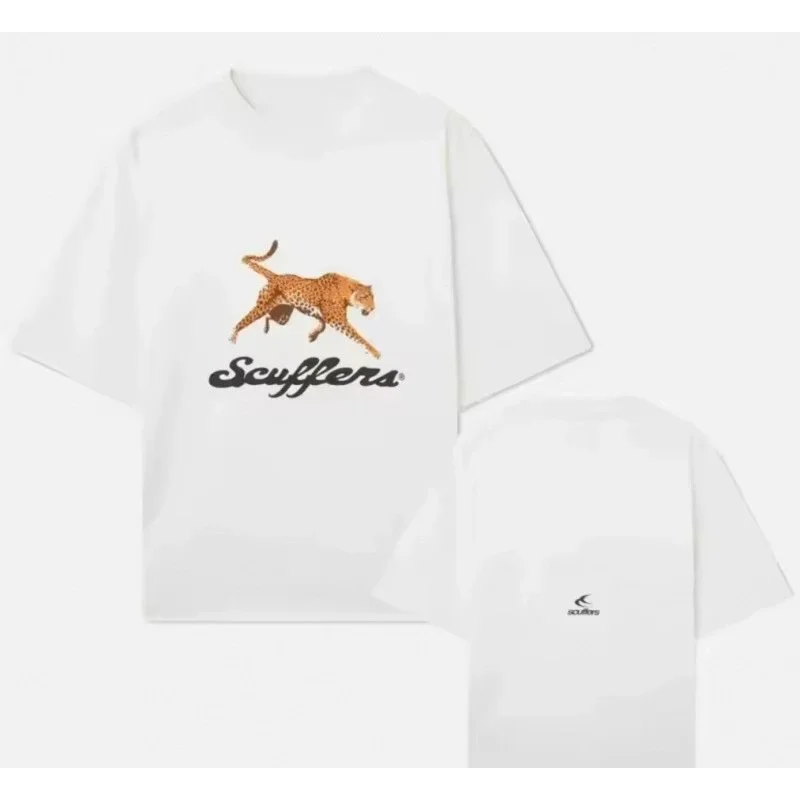
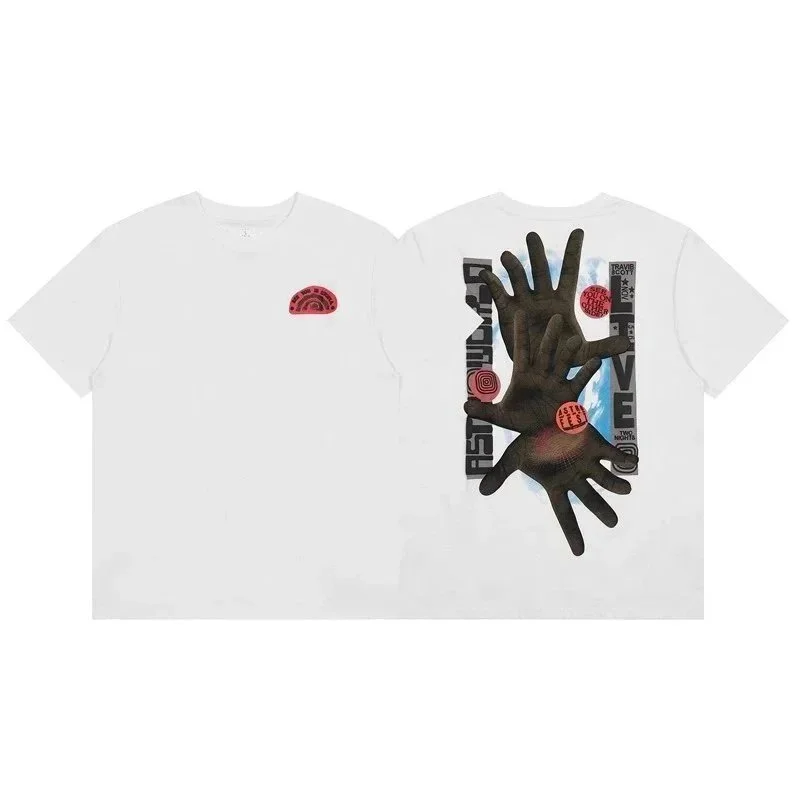
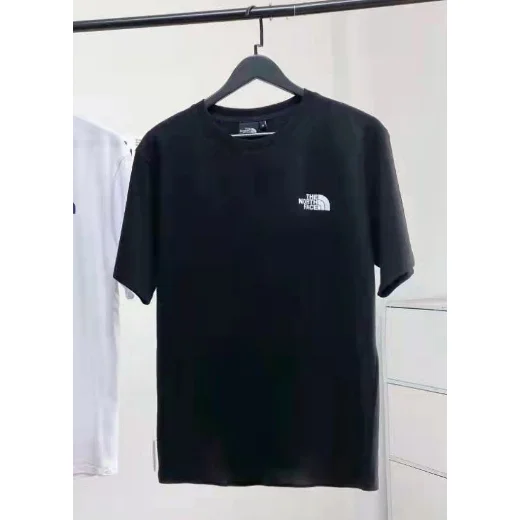
Estimated USD item prices. Shipping and fees extra; confirm current options and prices on the product page.
BEHIND THE PRODUCT SELECTION
Our Selection Standards
Clear images, varied brands and useful product details help you build a shortlist with more context.
Distinct listings
Featured picks highlight different products. Category selections avoid repeating the same listing, image or product name.
A mix of brands
Named brands make comparison easier. Category selections take one product per brand before adding more from the same brand.
Clear product images
Featured images are selected for a clear view of the product. Each approved image stays paired with its product record.
Useful reference details
Product pages show recorded prices, options and QC images where available, with item estimates kept separate from delivery costs.
A PRODUCT INDEX BUILT FOR COMPARISON
What this DgoBuy spreadsheet helps you compare
Browse selected product references in one place, then open the current listing to check its latest options. Brand, category, photos and estimated item prices make it easier to compare a shortlist before you decide what to inspect further.
Learn how to use the product referencesSelected product references
A curated snapshot of product records for browsing by style, brand and category.
Ways to browse by category
Move from shoes and clothing to bags, accessories and electronics through focused category pages.
Saved QC reference photos
Available examples appear on relevant product pages; they may show another order or option.
Products with price estimates
Estimates describe the item only. Verify the current listing; delivery and other charges are separate.
This is an independent product discovery directory, not a live stock feed or an ordering service. Seller listings and availability can change after a reference is saved.
ORDERS · QC · DELIVERY
DgoBuy Buying Guide
A practical guide from product selection to parcel tracking.
Read the guide ↗- 01
Orders & Payments ↗
Confirm the exact option, item cost and domestic delivery before paying.
- 02
Warehouse QC ↗
Compare your selected item with its inspection photos before planning a parcel.
- 03
Packing & Shipping ↗
Compare the complete parcel, destination and route requirements.
BEFORE YOU CHOOSE
DgoBuy Spreadsheet FAQ
Quick answers about prices, QC references, sizing and the next step after finding a product.
View all FAQs01Does the displayed price include shipping?
The displayed USD price is an item estimate. Domestic delivery, international freight, payment fees and any destination charges may be additional. Confirm the current product price and checkout breakdown before paying.
Read in detail: Item prices and the total cost
02Are the QC photos from my own order?
Saved QC photos are reference examples and may show another buyer’s size, color or order. Your own inspection record becomes available after your purchased item reaches the warehouse. Use that record to check the item you will receive.
Read in detail: Reviewing your own warehouse QC record
03How should I choose a size?
Check the current seller’s size chart and measurement method. For clothing, compare garment measurements with an item that fits you; for shoes, check the size system and foot-length guidance. A size label alone does not confirm fit.
Read in detail: Product selection and sizing checks
04Where does the homepage search take me?
Search opens the full product catalog in a new tab using your search terms. Category links keep you on this site, where you can browse selected products and open their reference details.
Read in detail: Browse the eight product categories
05Where do I complete a purchase?
Open a product record, then use its main product button to open the current listing in a new tab. Follow the purchase option provided there and confirm the exact style, size, price and delivery terms. This directory does not collect payments or place orders.
Read in detail: Ordering and payment steps